To capture, record and stream more professional podcats with a full podcast kit the use of OBS Studio (Open Broadcaster Software) an open source free download software using online tools. A 4 channel HDMI video capture device can also be added to connect up to 4 cameras to create stunning and professional presentations.
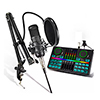
OBS Studio Software
To capture, record and stream more professional podcats with a full podcast kit the use of OBS Studio (Open Broadcaster Software) an open source free download software using online tools. A 4 channel HDMI video capture device can also be added to connect up to 4 cameras to create stunning and professional presentations.
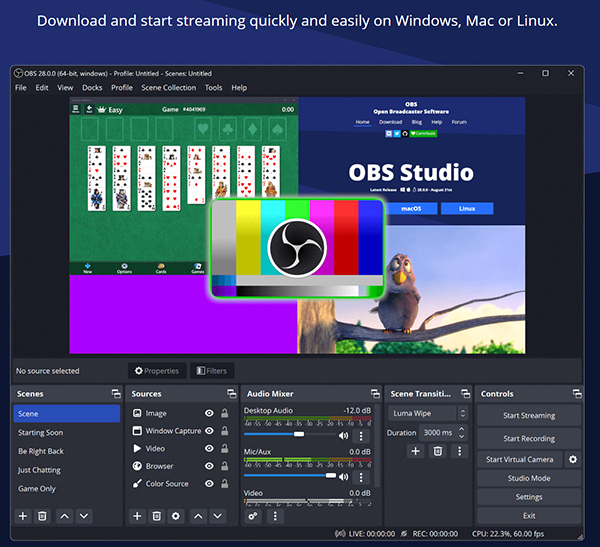
OBS Studio Webpage and Free Download
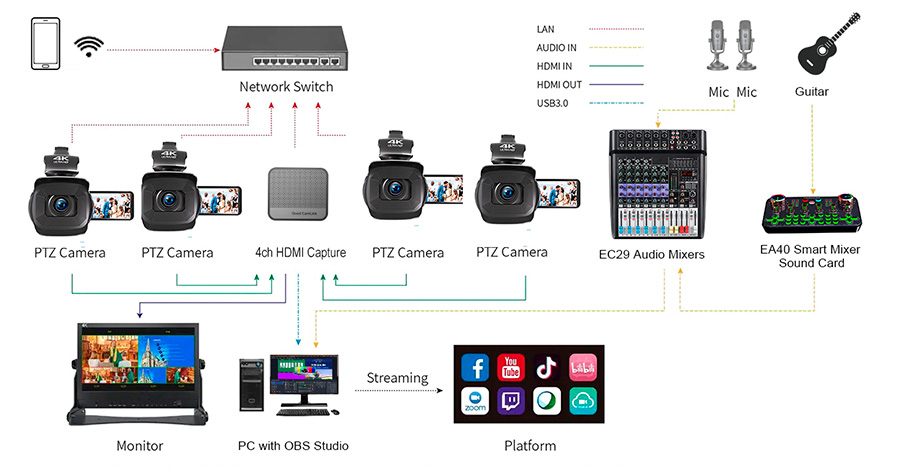
4 channel video and audio input with 4 chanel video output ans audio
Video Controllers
Another way of creating podcasts (instead of using software like OBS Studio if it is too complex for pupils or teachers), is to use a video controller to connect cameras and audio sources then record a simpler podcasts on a PC or Laptop (see and click picture below) and edit with CapCut software.
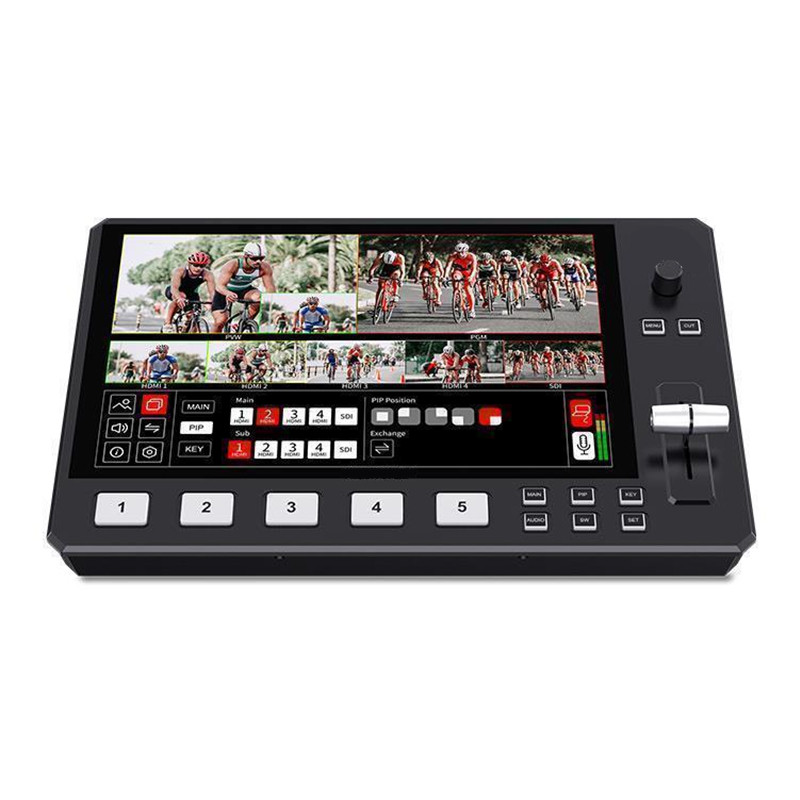
Video Controller with 4 Channel video input and Audio but only single video and audio output
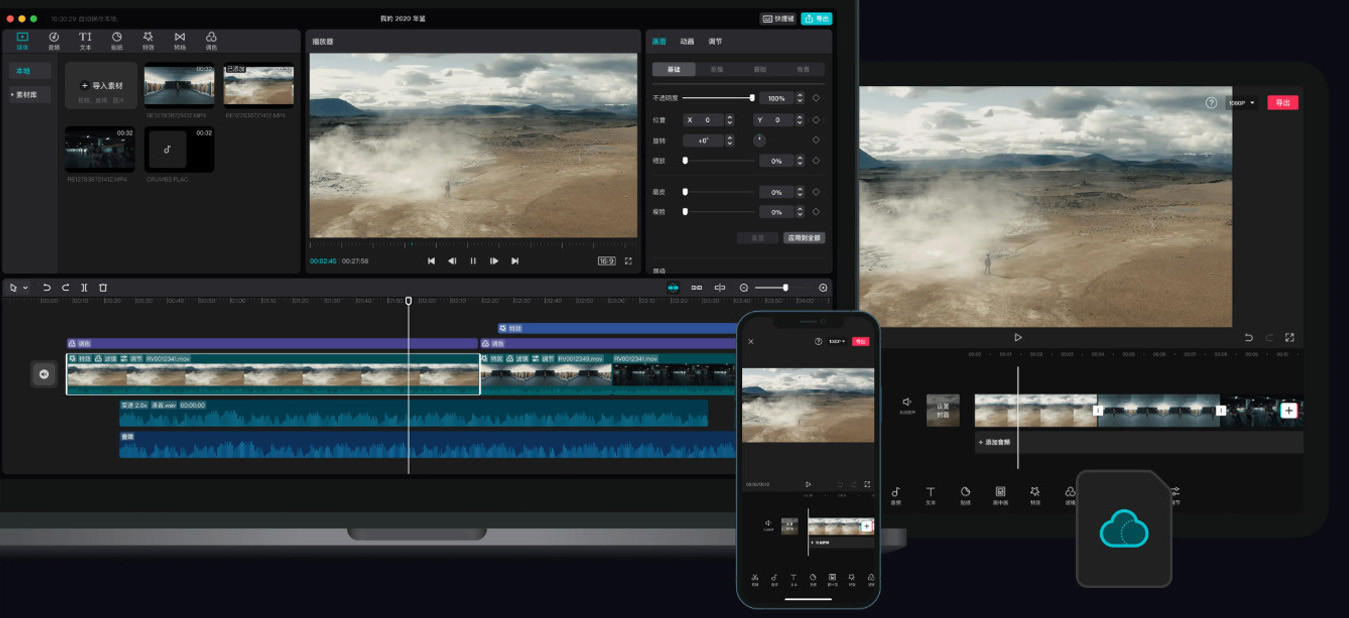

Video Editing Software
CapCut is a Free basic and simple all-in-one creative platform for beginners powered by AI that enables video editing and image design on browsers, Windows, Mac, Android, and iOS. With speech to text.
Sound effects and ambient backgound sounds
To make recordings sound more interesting and to add background sound the sound card can be used by pressing the sound "pads" or mbient background sounds and effects can be downloaded and added when editing.